

Rytr AI Review 2025: Still the Smartest Affordable Writing Assistant?
When I first tried Rytr AI in 2022, I was just a blogger staring at blank Google Docs, writing three sentences, deleting two, and calling Instagram “research.” If you’ve been there, you know the pain.
Fast forward to 2025, and things have changed. Across the US, UK, Canada, and Australia, creators, agencies, and small businesses are using AI writing assistants daily, According to a recent Statista 2025 report. over 85% of marketers now use AI for content creation.
Rytr has evolved from a lightweight text generator into a genuine partner for blogs, ads, marketing copy, and even freelancer portfolios.
But the real question remains: Is Rytr AI worth it in 2025, or just another tool lost in the crowded AI market? Let’s break it down.
🚀 Rytr AI’s Core Features (2025 Update)
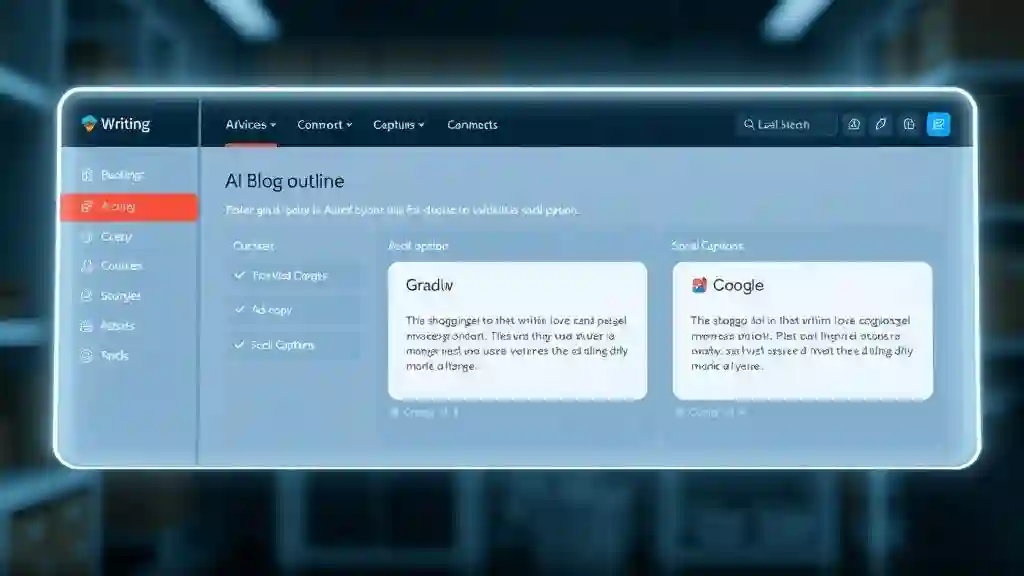
1. Rapid Content Generation
This is where Rytr feels like a co-pilot. It generates:
- Blog outlines
- Ad copy
- Emails
- Product descriptions
- Social media captions
The built-in shortcuts—Improve, Reword, Expand, Shorten—make editing quick and addictive. I once left mid-draft for coffee, came back, hit “Continue Writing,” and it picked up like I never stopped.
One feature that often gets overlooked: the freelancer portfolio page. For writers in Canada or the UK, it’s an instant showcase without building a separate site.
Search ranking is brutal in 2025, especially in Tier One countries. Rytr helps with:
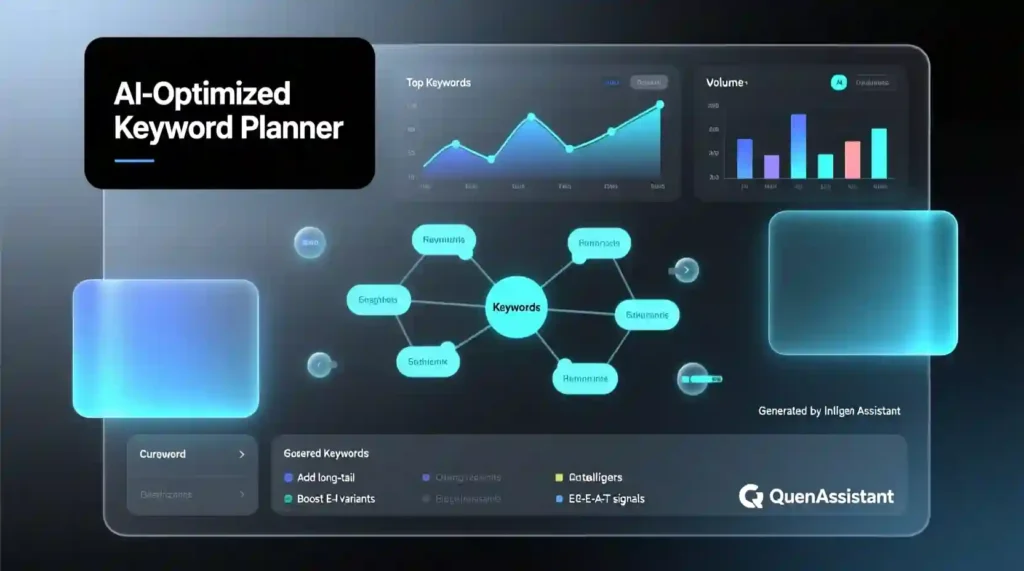
- Keyword extractor + meta generator for AEO optimization
- SEO analyzer that suggests semantic terms
- Templates for rankable formats like listicles and how-to guides
I tested its SEO blog outline, and it dropped in semantic terms I’d normally dig out with paid tools. For someone targeting competitive markets in the US or Australia, that’s a serious edge. As Search Engine Journal highlights, tools that surface semantic keywords and meta insights are well-aligned with Google’s AI-driven search changes.
3. Global Versatility
Serving clients in Toronto, London, New York, or Sydney? No problem.
- 30+ supported languages
- 20+ tones to match brand voice
- Team collaboration for agencies
I even helped a UK friend run a bilingual campaign (English + French) in one afternoon—a task that normally takes days.
4. Flexible Use Cases
Rytr AI isn’t just for blogging. It adapts to:
- Creative work: stories, poetry, ad copy
- Business docs: cover letters, job listings, pitches
- Marketing content: CTAs, landing pages, ad scripts
The more details you feed in (tone, keywords, audience), the smarter and sharper the draft feels. It’s not cookie-cutter—it’s customized output.
💸 Rytr AI Pricing in 2025
One reason Rytr still holds strong in 2025 is its affordability compared to other AI writing tools.
- Free Plan → 10,000 characters per month, enough for light testing.
- Saver Plan → $9/ /month or $90/year. Great for freelancers or bloggers who only need short posts, ad copy, or emails.
- Unlimited Plan → $29/month or $290/year. Perfect for agencies or heavy users who publish daily.
👉 Compare that to Jasper at $39–$59/month or Copy.ai at $49/month, and Rytr’s value becomes obvious.
📊 Rytr AI vs Competitors (2025 Snapshot)
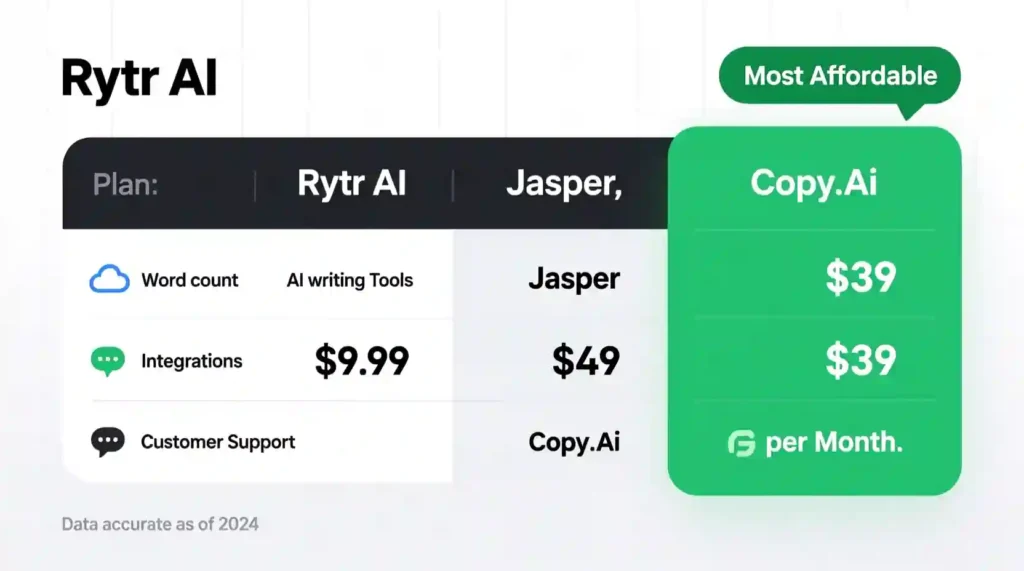
| Feature / Tool | Rytr AI | Jasper | Copy.ai | Writesonic |
| Pricing | $9–$29/month | $39–$99/month | $49/month | $19–$39/month |
| Free Plan | Yes (10k chars) | No | Yes (limited) | Yes (10k words) |
| SEO Tools | Keyword extractor + meta generator | Surfer SEO integration (paid) | Basic keyword insertion | SEO mode (extra cost) |
| Languages | 30+ | 25+ | 29+ | 25+ |
| Plagiarism Checker | Built-in | Via Copyscape (extra) | No | Yes |
| Image Generator | Yes | No | No | Yes |
| Portfolio Builder | Yes | No | No | No |
| Best For | Bloggers, freelancers, SMBs | Agencies, enterprise teams | Social media & ad copy | Mid-range content marketers |
How It Works
Using Rytr AI is simple in practice and surgical in approach. Here is the workflow I used every day.
- Set the goal. Pick the content type and audience. For example, a listicle for a small business content strategy in the US.
- Provide the seed prompt. Put in the tone, keywords, audience, and target length. The more precise your communication, the better the outcome
- Generate an outline. Let the content generator produce sections and H2 suggestions.
- Use the Continue Writing feature to expand a single paragraph into a full section.
- Polish with Improve and Reword to get different phrasings. Treat these like presets, not final copy.
- Run the built-in plagiarism checker to confirm originality.
- Export, then run a quick human edit for facts, flow, and voice.
This felt like working with an AI co-pilot that gets the mechanics right, while I steer the strategy and nuance. For longer projects, I break the draft into chunks and stitch them together. That approach works best for long-form content and reduces repetitive patterns.
Good Points
Here is what I liked most when pushing Rytr AI in production.
• Speed and usability. You get publishable drafts fast.
• SEO functionality. The keyword extractor and meta generator help build AEO-friendly outlines and give you lead terms to use in headers. This makes it a practical SEO tool for quick optimizations.
• Affordable pricing. It is an affordable AI writer when you compare it to top-tier competitors.
• Multilingual support. Multilingual content creation is strong for basic translation and tone shifts.
• Flexible templates. The creative templates let you flip between marketing copy, emails, and social captions without rethinking prompts.
• Collaboration features. Team collaboration tool features are basic but useful for passing drafts between writers and editors.
• Freelance portfolio builder. If you are a freelancer, the built-in freelance portfolio removes friction for client pitches.
I used these strengths to crank out multiple pieces a day. For short-form work like ad copy or product descriptions, Rytr AI delivered the best ROI.
Limitations and What to Watch For
No tool is perfect. These are the real limitations I ran into.
• Repetition and filler. Occasionally, the text loops or pads sentences. Use the Reword and Improve functions and then a human pass.
• Surface level on niche topics. For technical or hyper-niche subjects, you will need subject matter expertise. That is where GPT-based writing software shows its age.
• No raw keyword metrics. It suggests keywords, but does not show search volume or competition. Pair it with a proper keyword research tool for deep SEO.
• Long form needs structure. Rytr AI can write chapters, but you must manage cohesion and references.
• Free plan limits. The free tier has character limits that slow heavy users. Upgrading is usually necessary for steady output.
Those issues are manageable. Treat Rytr AI like a smart drafting partner, not a full replacement for an editor or researcher.
Comparison at a Glance
You probably want a quick sense of how it stacks up against the big names.
• Versus high-end tools. Rytr AI is cheaper and faster for short-form and SEO prompts. It does not match premium platforms on advanced integrations or raw long-form fluency.
• Versus budget alternatives. It beats many budget apps on features and multilingual capability.
• Stack fit. Use Rytr as the drafting engine, then run Grammarly for tone, Copyscape for deeper plagiarism checking, and a keyword tool for volume data.
In short, Rytr AI sits in the sweet spot between cost and capability. It is not top-tier for enterprise level publishing, but it is a clear choice for creators who need speed and value.
Best Users for Rytr AI
Who will get the most from this tool?
• Bloggers and solopreneurs who publish a lot and need a reliable first draft.
• Freelancers who value the portfolio and quick pitch copy.
• Small agencies that need fast ad copy and basic SEO outlines.
• Marketers who use content as volume play and will edit outputs.
• Multinational teams that need quick multilingual drafts.
If your work depends on deep research, legal accuracy, or scientific rigor, plan for a bigger human edit.
Final Benefits and Verdict

My final take after intensive, real use is simple. Rytr AI is an effective content assistant that helps you overcome blank page paralysis and scale output. It is especially powerful for marketers who need short-form marketing copy, quick blog automation, and multilingual drafts. Paired with human editing, it becomes a powerful part of a content stack.
If you want a cost-effective, practical tool that speeds up day-to-day writing and fits easily into your workflow, Rytr AI delivers real value. Use it for ideation, outlines, and first drafts. Always add your human voice during the editing process. Do that and you get speed, affordability, and consistent content output without sacrificing quality.
FAQ Quick Hits
Q. Is Rytr AI good for enterprise SEO?
A. It helps with topical depth and semantic coverage, but pair it with full SEO analytics for enterprise level decisions.
Q. Can Rytr AI replace writers?
A. No. It accelerates writers. Real writers still provide nuance, fact-checking, and creative direction.
Q. Does Rytr AI support voice search optimization?
A. Yes. The templates and keyword extractor help craft answer-friendly snippets that work well for voice queries.
Q. Is Rytr AI safe for client work?
A. Yes, with a human edit and a plagiarism check. For paid projects, always run a final verification pass.