
How to Spot Fake AI Apps on the App Store: Your Complete Safety Checklist
Last month, a fake ChatGPT app hit #1 on the App Store — and stole $400,000 from users before Apple took it down. It looked exactly like the real thing, charged $9.99 a week for fake “premium” features, and disappeared with thousands of credit card details. If you’ve ever searched “ChatGPT app” or “Perplexity AI,” chances are you’ve scrolled past a dozen fakes without even noticing.
Here’s the truth: spotting fake AI apps isn’t easy anymore. Scammers are copying real logos, buying fake reviews, and tricking the App Store algorithm. But the good news? Once you know what to look for, you’ll never fall for one again.
This is your 10-step safety checklist to spot fake AI apps before they steal your money, data, or peace of mind.
Why Fake AI Apps Are Exploding Right Now (And Why You’re at Risk)
AI apps are hot right now — and scammers know it.
Fake ChatGPT clones have made over $1 million before Apple removed them. Other fakes, like fake “Perplexity AI” apps, got 50,000+ downloads in days.
Here’s why this happens:
- The AI hype makes people rush to download anything that “looks official.”
- Scammers prey on trust — and fear of missing out (FOMO).
- They know most users won’t double-check before tapping “Download.”
And the danger is real. These fake apps can steal:
- Credit card details through hidden subscriptions
- Personal data like emails, contacts, and photos
- Device access through weird permission requests
Apple removed over 600 fake AI apps in 2024, but many still slip through.
The 10 Warning Signs: How to Spot Fake AI Apps in Under 60 Seconds
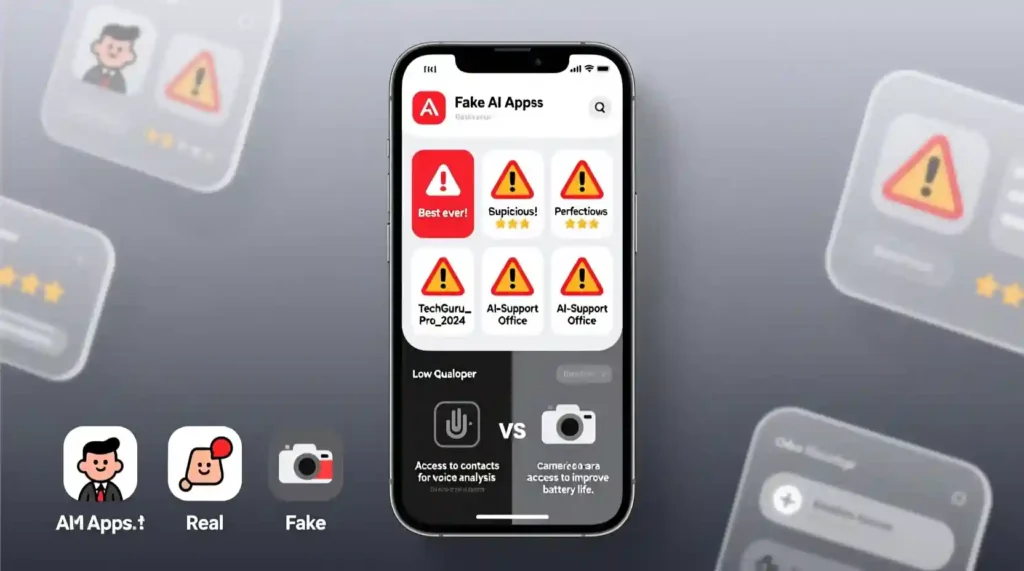
Let’s get straight to the checklist. Each point can save you from getting scammed.
1. The App Icon Looks “Almost Right” But Something’s Off
Fake icons copy the real ones — but not perfectly.
- Real ChatGPT icon: clean teal swirl.
- Fake ones: use gradients, extra text, or neon colors.
Pro tip: Screenshot the real app’s icon and compare side by side before you download.
2. The Description Has Typos or Weird Grammar
Real companies don’t write sloppy text. Fakes do.
Watch for lines like:
- “Get unlimited AI power FREE!!!”
- “Most powerful ChatGPT ever created!!!”
If it feels too hyped or desperate, it’s fake. Real apps use simple, clean writing.
3. The Developer Name Is Close, But Not Exact
Scammers often change one word in the developer’s name.
Examples:
- “OpenAI Inc.” vs. “OpenAI.”
- “Perplexity Technologies” vs. “Perplexity AI Inc.”
How to check: Tap the developer’s name on the App Store → see what other apps they made.
If they have 20 random apps — it’s fake.
Official names to remember:
| AI App | Real Developer |
| ChatGPT | OpenAI |
| Perplexity | Perplexity AI Inc. |
| Gemini | Google LLC |
| Claude | Anthropic PBC |
4. The Ratings Look Too Perfect (or Too Awful)
Fake apps often have weird rating patterns:
- 4.9 stars with only 50 reviews = fake (bought reviews)
- 2.1 stars with angry comments = scam complaints
Real apps have thousands of reviews with mixed ratings around 4.3–4.6.
Pro move: Sort by “Most Critical” reviews. Real users call out scams right there.
5. Reviews Mention “Scam,” “Fake,” or “Can’t Cancel”
Search reviews for words like “charged,” “fake,” or “subscription.”
Scam apps always have these somewhere.
Tip: Check the newest reviews. Scammers often buy old fake ones, so look at the last 2 weeks only.
If someone says, “Charged my card instantly!” — delete it, no question.
6. The App Is Brand New But Has 10K+ Downloads
Fake apps boost their numbers using bots.
If the app launched last week and already claims “10K downloads” — that’s your red flag.
Check: Tap “Version History.” If it’s brand new and growing too fast, skip it.
7. It Asks for Permissions That Make No Sense
A real chatbot doesn’t need access to your photos or contacts.
Be suspicious if:
- A text app asks for microphone access
- An AI writer wants a location or a camera
- It requests contacts for “faster responses”
Rule of thumb: if you can’t explain why it needs permission, deny it or delete the app.
8. The Free Version Immediately Demands Payment
Many fake AI apps offer “free trials” that charge instantly.
They’ll say “3-day trial,” but bill you $49.99 right away.
Real apps show pricing clearly. Scams hide it in tiny text.
Always check:
Settings → Apple ID → Subscriptions → look for anything new or suspicious.
9. The App Has Too Many Ads or Crashes Constantly
If you open an “AI app” and get spammed with ads every few seconds — it’s fake.
Or if it freezes every time you try to use it — also fake.
Real apps from companies like OpenAI or Google are smooth, clean, and stable.
Delete anything that feels glitchy or too “ad-heavy.”
10. You Can’t Find It on the Official Company Website
This is the easiest and strongest test.
If the app isn’t linked from the official website — don’t download it.
Example:
- Go to OpenAI.com → check for the official ChatGPT link
- Go to Perplexity.ai → look for the app link
- Go to Gemini.google.com → for the real Google Gemini
If it’s not listed there, it’s not real.
How to Double-Check Before You Download (30-Second Method)
Before you tap that “Get” button, do this quick check:
- Google the app name + “official app store.”
- Visit the company’s website and find the App Store link.
- Compare developer names letter-by-letter.
- Check their social media to see if they announced it.
- If you can’t verify it in 30 seconds, skip it.
Pro tip: Legit apps never rush you. Scams always push urgency.
What to Do If You Already Installed a Fake AI App
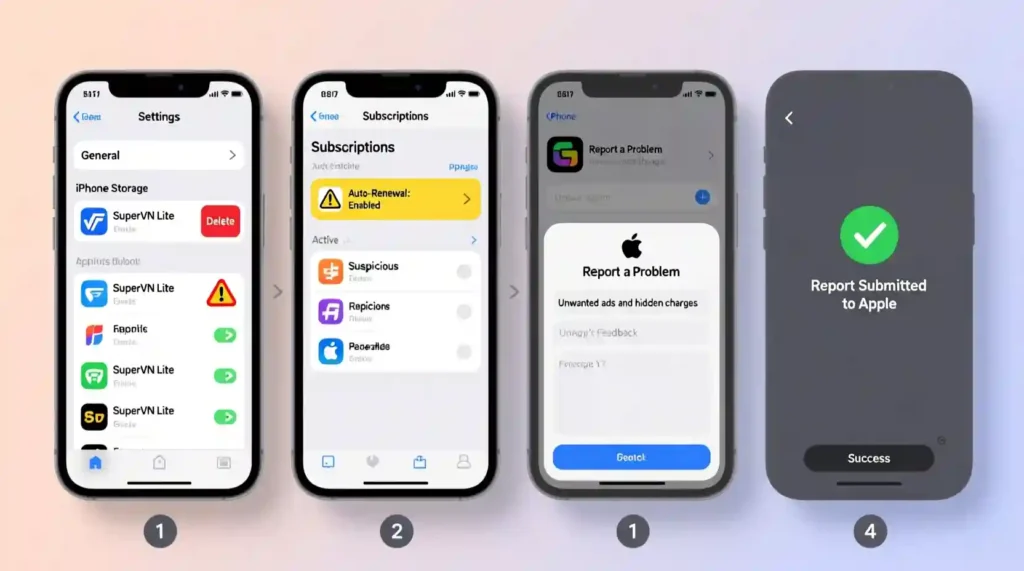
If you think you’ve downloaded a fake app, don’t freak out — just act fast. The sooner you move, the safer your data and money stay.
Immediate Actions (Do This Right Now)
- Delete the app completely.
Don’t just close it. Long-press the icon → “Delete App.” - Check your subscriptions.
Go to Settings → [Your Name] → Subscriptions.
If you see anything new or suspicious, cancel it right away. - Change your passwords.
Especially if you entered your Apple ID, email, or card info in the app. - Watch your bank account.
Look for random charges in the next few weeks. Even small ones ($1-$5) can mean the scammer is testing your card. - Report it to Apple.
- Go to the App Store.
- Find the fake app.
- Scroll down → tap “Report a Problem.”
- Choose “Scam or Fraud.”
How to Get Your Money Back
If you were charged through Apple:
- Go to reportaproblem.apple.com
- Sign in and choose the fake app
- Select “Request a Refund”
Most refunds are approved in 24–48 hours if you act quickly.
If you paid through another link or weird website:
- Contact your bank immediately
- Tell them you were scammed by a fake app
- Dispute the charge — banks usually reverse it fast if you report within a few days
Protect Your Data
If the app asked for any permissions or personal info, do this:
- Review permissions:
Settings → Privacy & Security → App Privacy Report
Remove any app that accessed photos, contacts, or mic. - Change important passwords:
Start with your Apple ID, email, and any app linked to the fake one. - Run Safety Check:
Settings → Privacy & Security → Safety Check → Manage Sharing & Access
This will show if the fake app still has any access left. - If you gave your financial info or SSN:
Freeze your credit and watch for identity theft alerts.
Official AI Apps You Can Trust (Bookmark These)
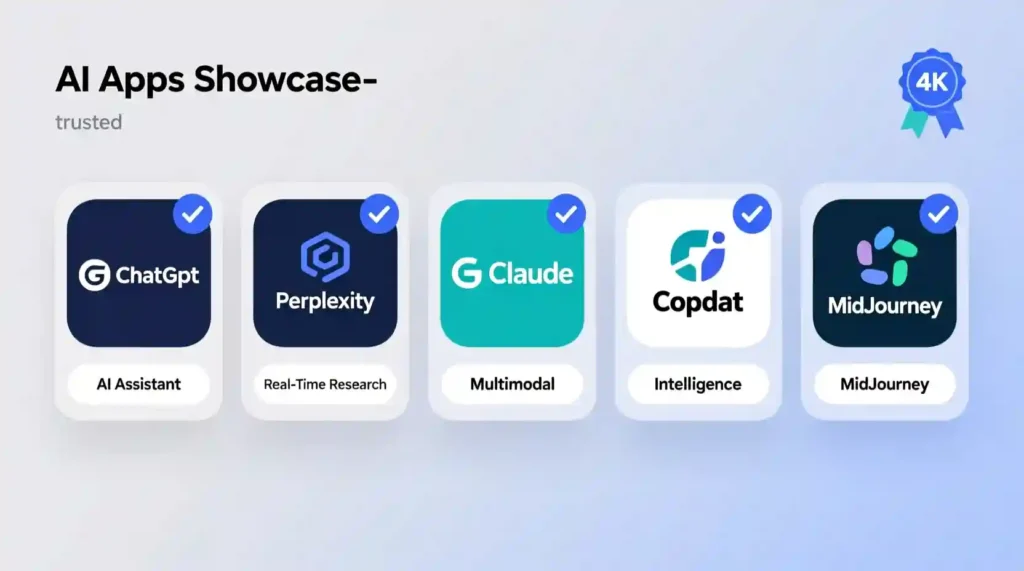
| App Name | Real Developer | How to Verify |
| ChatGPT | OpenAI | OpenAI.com/chatgpt |
| Perplexity | Perplexity AI Inc. | Perplexity.ai |
| Gemini | Google LLC | Gemini.google.com |
| Claude | Anthropic PBC | Claude.ai |
| Microsoft Copilot | Microsoft Corporation | Microsoft.com |
Pro tip: Save these links in your Notes app so you never have to search them again.
Frequently Asked Questions About Fake AI Apps
Can fake AI apps steal my credit card info?
Yes. If you type your card details or connect your Apple ID, they can log and misuse that data. Always confirm the developer name before entering payment info.
How do fake apps get 5-star reviews?
They buy them. Bot farms sell fake reviews for a few bucks. That’s why you should always check critical reviews — real users tell the truth there.
Will Apple refund me if I paid for a fake app?
Usually, yes — if you report it within 90 days. Go to reportaproblem.apple.com and explain the issue. Most users get refunds within 48 hours.
How can an app have 100K downloads if it’s fake?
Scammers use bots to fake download numbers. Big number ≠ trustworthy app. Always double-check the developer name and website link.
Are fake AI apps dangerous or just annoying?
Both. Some just waste your money, but others steal personal info, install malware, or keep charging you secretly. Treat every fake app as a real threat.
What’s the fastest way to spot a fake AI app?
Check if it’s listed on the company’s official website.
If you can’t find it there, skip it — 95% of fakes fail this test.
Conclusion: Stay Smart, Stay Safe
Learning how to spot fake AI apps isn’t paranoia — it’s basic online safety in 2025.
You already know the signs now:
- Check the icon
- Verify the developer
- Read critical reviews
- Test permissions
- Confirm it’s on the official site
If an app feels off — even slightly — trust your gut.
Real AI apps don’t use shady trials, weird permissions, or fake reviews. They’re clean, clear, and easy to verify.
Take 30 seconds before downloading any “AI app.” That tiny pause can save you from weeks of refund fights, stolen data, or stress.
So the next time you search for ChatGPT, Perplexity, or Gemini, you’ll know exactly how to spot fake AI apps before they spot you.
Stay sharp, stay safe — and share this guide with anyone who uses AI tools.
Pingback: CometJacking Perplexity AI Browser Exploit Attack Explained - zadaaitools.com