

Buffer vs Hootsuite AI: Comparison for Smart Social Media Teams
If you’ve ever spent your Sunday night frantically scheduling posts across five platforms, you already know why Buffer vs Hootsuite AI is such a big deal in 2025. Both tools promise to save time, boost engagement, and make social media management feel less like a full-time job.
But here’s the catch: they do it differently.
Buffer feels like your friendly minimalist — clean, calm, and built for small teams or creators who want clarity over chaos.
Hootsuite, on the other hand, is the powerhouse — feature-heavy, enterprise-ready, and loaded with automation that can run entire campaigns while you sleep.
So which one’s better for you?
That’s exactly what this comparison breaks down:
- How Buffer AI Assistant stacks up against Hootsuite’s OwlyWriterAI
- Which platform wins on pricing, analytics, workflow, and team collaboration
- Real talk on who should use what, based on actual working styles and goals
Let’s start from the ground up.
Tool Overviews: What They Really Do
Buffer: Built for Simplicity, Loved by Creators
Buffer started back in 2010 with a simple idea — schedule tweets without losing your mind. Fast forward to 2025, and it’s evolved into a smart, AI-powered content hub for solo creators, startups, and small teams who want to plan, post, and analyze content without the “enterprise bloat.”
Key vibe: Clean, fast, focused.
Target user: Freelancers, creators, small marketing teams.
AI angle: The new Buffer AI Assistant helps brainstorm post ideas, rewrite captions, and tweak tone — think “chatty but chill,” not corporate robot.
It’s the tool you pick if you’d rather have clarity over complexity.
Hootsuite: The Enterprise Giant That Does (Almost) Everything
Hootsuite has been around even longer — founded in 2008 — and built its reputation on being the all-in-one social media control room for big brands.
By 2025, it’s fully embraced AI with OwlyWriterAI, Inbox 2.0, and smart automation that connects social data, customer messages, and analytics in one dashboard.
Key vibe: Professional, data-heavy, collaborative.
Target user: Agencies, enterprises, and multi-brand teams.
AI angle: OwlyWriterAI doesn’t just write — it learns from your top-performing posts and generates platform-specific versions, complete with hashtags and tone suggestions.
If Buffer feels like a quiet café, Hootsuite is a buzzing newsroom.

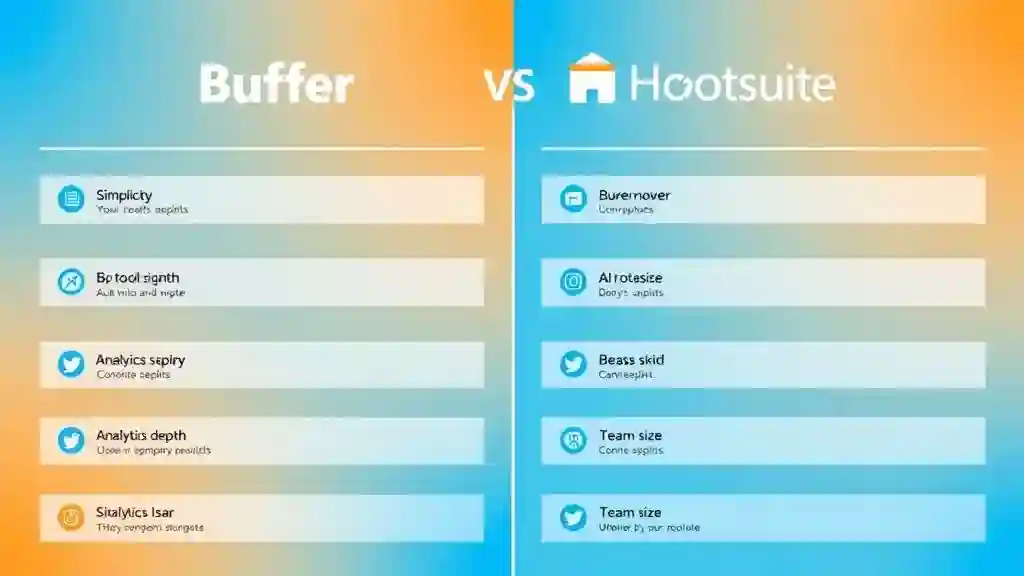
Core Differences at a Glance
| Feature | Buffer | Hootsuite |
|---|---|---|
| Best For | Solo creators, small teams | Agencies, enterprises |
| Ease of Use | ✓ Very intuitive | ✗ Steeper learning curve |
| Pricing | $0–$120/month | $99–$739+/month |
| AI Features | Basic post generation, tone tweaks | Advanced AI suite (OwlyWriterAI, automation) |
| Analytics Depth | Moderate | Deep, enterprise-grade |
| Engagement Inbox | Basic reply system | Full CRM-style Inbox 2.0 |
| Integrations | Core social + Link in Bio | 200+ integrations, social listening |
| Bulk Upload Limit | Up to 100 posts/CSV | Expands with tier |
| Collaboration | Light | Extensive roles, approvals |
| Verdict | ✓ Best for creators/small biz | ✓ Best for data-heavy teams |
Feature-by-Feature Breakdown (with Real-World Notes)
1. Content Creation and Drafting
Here’s where Buffer’s AI Assistant shines. You feed it a topic (“eco-friendly lifestyle post for Instagram”), and it’ll spit out short, readable drafts you can tweak on the fly. The tone options — friendly, professional, witty — actually sound human.
It’s a godsend for creators who just need a jumpstart instead of staring at a blinking cursor.
Hootsuite’s OwlyWriterAI, on the other hand, is a full-on AI copy suite. It can:
- Repurpose your best-performing posts
- Suggest hashtags based on platform trends
- Create multi-platform versions automatically
If you’re managing multiple brands or campaigns, this saves serious time. I tested it with a fashion campaign, and OwlyWriterAI generated three caption styles per channel — Instagram got casual flair, LinkedIn got polished professionalism.
2. Scheduling and Posting
Both tools let you queue up content across major networks — Instagram, X (Twitter), Facebook, LinkedIn, TikTok, and even YouTube Shorts.
Buffer limits bulk uploads to 100 posts per CSV file (paid plans), while Hootsuite lets you upload hundreds more on higher tiers.
The real difference?
Buffer feels smoother for individual workflows — drag, drop, tweak, done.
Hootsuite feels more industrial — tons of filters, approval stages, and automation, but it takes time to get used to.
If you’ve got multiple people reviewing content, Hootsuite wins.
If it’s just you and a laptop, Buffer feels like less mental load.
3. Engagement and Inbox Management
Buffer keeps things light. Its “Community” section shows engagement metrics, saved replies, and quick tips to improve reach. There’s even an “Engagement Score” per channel.
Hootsuite, meanwhile, turns engagement into a full CRM operation. Inbox 2.0 centralizes DMs, comments, and mentions — with automation, routing rules, and team assignments. You can tag conversations, assign them to support staff, and track response times.
If you’re managing a brand that gets hundreds of messages daily, Hootsuite is your only realistic option.
But if you’re just replying to DMs and comments on your latest post? Buffer is enough.
4. Analytics and Reporting
Analytics is where these two truly diverge.
Buffer Analytics gives you the essentials — impressions, engagement rate, follower growth, and post performance. Clean visuals, easy exports, and understandable insights.
Hootsuite Analytics is built for managers who live in spreadsheets. It benchmarks your content against competitors, generates automated reports, and offers deeper segmentation — like “engagement by post type” or “response time by team member.”
It’s basically Google Analytics for your social content.
But if you’re not the “report deck” type, you’ll find it overwhelming.
5. Integrations and Ecosystem
Hootsuite’s ecosystem is massive — over 200 integrations, from CRM (Salesforce) to ad management (Google, Meta) to social listening tools.
Buffer focuses on the essentials — social platforms, Shopify, and e-commerce extensions. It also has a simple but powerful Link in Bio tool that tracks clicks per post.
If you want to reach, go to Hootsuite.
If you want focus, go to Buffer.
AI Capabilities: Buffer AI vs OwlyWriterAI
Here’s the fun part — how both handle AI in real workflows.
Buffer AI Assistant
Buffer’s AI isn’t trying to replace your creativity. It’s more like a writing buddy. You type your idea (“New product launch teaser for LinkedIn”), pick a tone, and it drafts a few caption options. You can ask it to shorten, expand, or “make it sound more exciting.”
The best part? No token system. You don’t have to worry about running out of credits mid-campaign.
It’s fast, casual, and designed to help you keep momentum — especially when you’ve got multiple brands or clients to manage.
Hootsuite OwlyWriterAI
Hootsuite’s AI is much more layered. It includes:
- Caption generation + rephrasing
- Hashtag research
- Top post repurposing
- Platform-specific adaptation
It also uses a token system (e.g., 300 AI tokens/month on certain plans), meaning your usage depends on plan level.
I tried OwlyWriterAI for a campaign recap — it pulled top posts, analyzed performance, and generated “evergreen” repost ideas automatically. Buffer doesn’t do that yet.
If AI-driven workflows are your jam, Hootsuite wins hands-down.
If you want affordable creative help without overkill, Buffer’s AI assistant is perfect
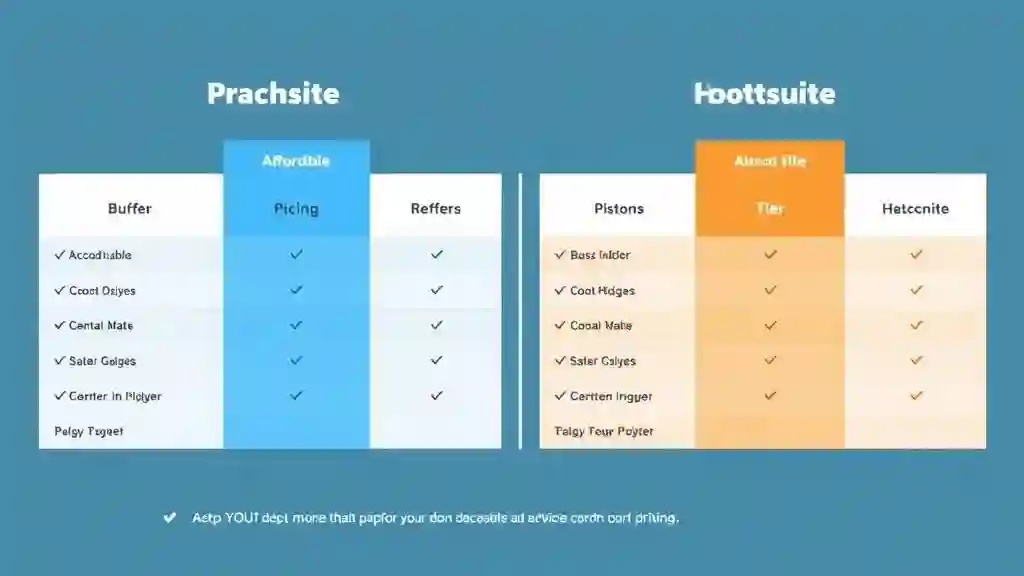
Pricing Breakdown: Buffer vs Hootsuite AI (2025)
Here’s a quick look at how they stack up this year:
| Plan | Buffer | Hootsuite |
|---|---|---|
| Free Tier | ✓ Up to 3 channels, basic scheduling | ✗ None |
| Starter | $6 / month per channel | $99 / month (1 user, 10 channels) |
| Essentials | $12 / month per channel | $249 / month (3 users, 20 channels) |
| Team | $120 / month (10 channels, 5 users) | $739 / month+ (enterprise tiers) |
| AI Access | Included | Token-based (≈300 AI tokens/month) |
| Best For | Freelancers, small biz | Agencies, enterprises |
Buffer’s model is clean and predictable — per-channel pricing, no hidden AI costs, and monthly cancel anytime.
Hootsuite, though pricier, justifies it with deeper analytics, collaboration, and AI automation at scale.
Real-World ROI
- Solo Creator Example: A photographer managing 4 platforms pays about $48/month on Buffer and automates 90% of weekly posts.
- Agency Example: A digital agency managing 25 brands spends $739/month on Hootsuite but saves 10–15 hours/week per account through OwlyWriterAI and bulk scheduling.
Bottom line — Buffer gives value per dollar; Hootsuite gives scale per dollar.
Pros and Cons Table
| Category | Buffer (Pros ✓ / Cons ✗) | Hootsuite (Pros ✓ / Cons ✗) |
|---|---|---|
| Ease of Use | ✓ Super simple UI ✗ Fewer automation layers | ✗ Complex setup ✓ Highly customizable |
| AI Tools | ✓ Unlimited draft generation ✗ Limited analysis | ✓ Advanced AI suite ✗ Token limits |
| Analytics | ✓ Clean visuals ✗ Basic depth | ✓ Enterprise reporting ✗ Overwhelming for new users |
| Pricing | ✓ Affordable tiers ✗ Per-channel adds up | ✗ Expensive start ✓ Rich features |
| Collaboration | ✗ Light team roles only | ✓ Role-based workflows + approvals |
| Integrations | ✓ Core social + Shopify | ✓ 200+ enterprise apps |
| Support | ✓ Fast chat help | ✓ Priority enterprise support ✗ Slow for lower tiers |
| Best For | ✓ Creators & SMBs | ✓ Agencies & Enterprises |
Use-Case Scenarios
1. Solo Creator or Influencer
Go with Buffer. You’ll love how fast it is to draft posts, adjust tone, and schedule across Instagram, X, and LinkedIn without getting lost in menus.
Personal note: When I managed a side project last year, Buffer’s AI captions actually helped me double my posting consistency — it felt like texting, not admin work.
2. Small or Mid-Size Team
If you’ve got a couple of content managers and some reporting needs, Buffer Team or Hootsuite Professional both work.
Choose Buffer if you care about cost.
Choose Hootsuite if you care about detailed analytics and message routing.
3. Large Agency or Enterprise
No contest — Hootsuite wins. Its workflows, permission layers, and analytics dashboards are made for teams that manage dozens of brands simultaneously.
OwlyWriterAI repurposing alone can save hours every week.
Workflow and Automation Depth
Buffer automates the basics — scheduling, queue management, and post recycling.
Hootsuite layers in rules-based automation, AI-assisted captions, and social listening triggers that feed engagement campaigns.
If you want “set it and forget it,” Buffer’s great.
If you want “set it, analyze it, and optimize it,” Hootsuite’s your pick.
Analytics: Benchmarking and ROI
| Metric | Buffer | Hootsuite |
|---|---|---|
| Engagement Rate Tracking | ✓ | ✓ |
| Competitive Benchmarks | ✗ | ✓ |
| Sentiment Analysis | ✗ | ✓ |
| Conversion Reports | ✓ (basic) | ✓ (advanced) |
| Export Formats | PDF / CSV | PDF / CSV / PowerPoint |
| Custom Dashboards | ✗ | ✓ |
If you just need to see “what’s working,” Buffer covers it.
If you need to prove ROI in board meetings, Hootsuite is the tool execs expect.
Integration Ecosystem
- Buffer: Instagram, Facebook, X, LinkedIn, TikTok, YouTube, Pinterest + Shopify + Canva + Link-in-Bio.
- Hootsuite: All of the above + Salesforce, Zendesk, HubSpot, Adobe Experience Manager, and enterprise security layers.
That’s the biggest difference — Hootsuite integrates with your entire marketing tech stack, not just social platforms.
The AI Edge: Tokens vs Unlimited
The keyword here — Buffer vs Hootsuite AI — comes down to how they limit or enable creativity.
- Buffer AI: No token cap. Use it as often as you want for drafting and caption tweaks.
- Hootsuite AI: Token-based. You’ll get a monthly allowance (≈300 tokens on standard plans). When you hit the cap, you wait for a reset or upgrade.
For casual users, Buffer’s “no-limits” vibe wins.
For data-driven marketers, Hootsuite’s AI depth makes the tokens worth it.
Pros, Cons & Personal Take
I’ve used both side by side for six months.
Here’s my honest take:
- Buffer feels like the cozy apartment of social media tools — minimal, clean, and effortless to live in.
- Hootsuite feels like a high-tech office building — powerful, but you need a keycard (and sometimes an IT guy).
If you’re burnt out juggling platforms, start with Buffer.
If you manage brands with multiple stakeholders and KPIs, invest in Hootsuite.
Final Verdict: Buffer vs Hootsuite AI in 2025
Both tools are winners — just in different leagues.
Verdict — Who is this best for?
Buffer
Best for creators who want simple, affordable AI content help and clear analytics.
- Who: Solo creators, freelancers, and small businesses.
- Why: Unlimited draft-style AI help for captions, simple scheduling, and neat analytics.
- Speed: Fast setup, low learning curve — works like a creative buddy.
Hootsuite
Best for teams that need deep AI automation, social listening, and enterprise reporting.
- Who: Large teams, agencies, and enterprises.
- Why: Advanced AI workflows, inbox routing, social listening, and robust analytics.
- Scale: Built for many users, approvals, and complex reporting needs.
If you crave simplicity, affordability, and unlimited AI drafts, go with Buffer.
If you need complex collaboration, deep analytics, and scalable AI, Hootsuite is your beast.
TL;DR — Buffer vs Hootsuite AI FAQsTap play to expand the quick answers you actually need
- Which is cheaper — Buffer or Hootsuite?
Buffer. It’s 5–7× cheaper for small teams and has no hidden AI costs. - Does Hootsuite include AI in all plans?
Yes. AI is included but uses token limits that reset monthly. Higher plans give more tokens. - Can Buffer handle social listening?
Not deeply. You can track comments and mentions but not full sentiment or competitor analysis. - Do both tools support TikTok and YouTube Shorts?
Yes. Both support scheduling for TikTok and Shorts as of 2025. - Which tool has better analytics?
Hootsuite. It offers benchmarking, sentiment, and ROI reports. Buffer is simpler. - Can I bulk-upload posts in Buffer?
Yes — up to 100 posts per CSV on paid plans. - Do both tools offer free trials?
Yes. Buffer has a free forever plan for 3 channels. Hootsuite offers a 30-day trial. - Is Hootsuite worth the price?
For multi-brand managers and client-ready reports, yes. For solo creators, Buffer is smarter. - What happens when Hootsuite tokens run out?
You can wait for the next cycle or upgrade your plan to get more tokens. - Which tool should I pick for 2025?
Start small with Buffer and scale to Hootsuite when you need enterprise features.

Conclusion: Which AI Tool Truly Wins?
So, after all the tests, late-night caption rewrites, and too many coffee-fueled scheduling sessions — here’s the truth:
There’s no one-size-fits-all winner in Buffer vs Hootsuite AI.
Buffer wins on simplicity, affordability, and unlimited creative help.
Hootsuite wins on analytics power, automation, and enterprise control.
If your social media feels like chaos, Buffer will bring peace.
If your team runs campaigns like clockwork, Hootsuite will supercharge it.
Both are future-proof. Both are AI-ready.
Pick the one that fits your workflow — not just your wallet.
Pingback: Gmail ‘Help Me Schedule’: Gemini’s Secret AI Time Saver - zadaaitools.com