

Devin AI Autonomous Coding Agent Review
The world of coding is changing fast. Tools like GitHub Copilot and Cursor AI help you write code, but they still need a human to drive the car. Enter Devin AI autonomous coding agent — a bold claim, promising to complete entire coding tasks on its own. But here’s the truth: it only successfully handles 15% of complex tasks without human help. That might sound low, but for solo developers, founders, and non-coders, that 15% can save hours every week.
So, is Devin AI worth it for solo developers or small teams in 2025? Can it really automate backend pipelines, MVPs, or CI/CD scripts while you focus on strategy? Let’s break it down, step by step, and see where Devin excels — and where it still needs a human touch.
🔹 Devin AI Review at a Glance (2025)
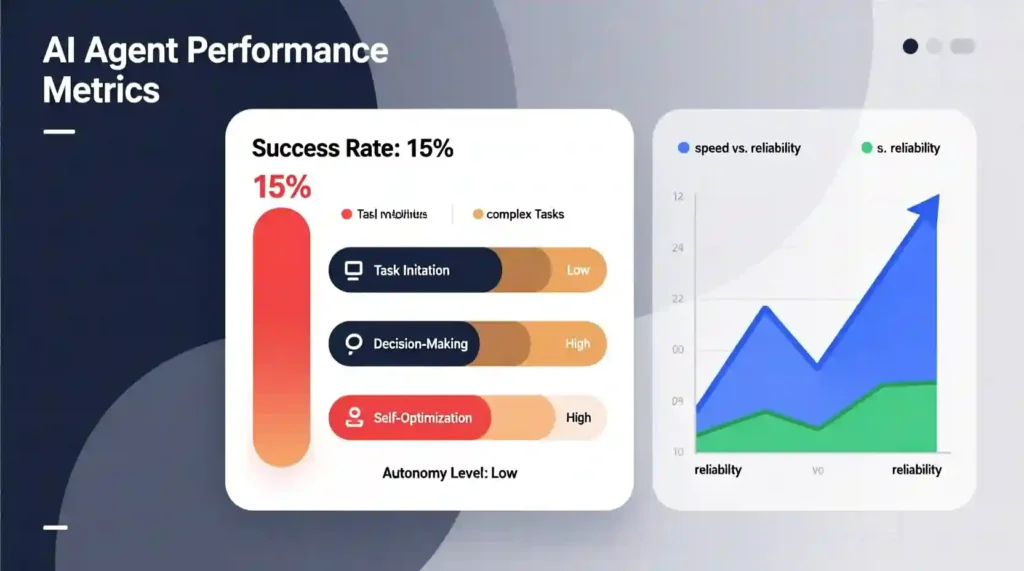
Before we dive deeper, here’s a snapshot of what Devin delivers — and where it struggles. This is perfect for busy developers or founders who want a quick reality check.
| Category | Rating | Reality Check |
| Autonomy | ⭐⭐⭐ (3/5) | 15% success rate on complex tasks — not fully autonomous yet |
| Speed | ⭐⭐⭐⭐ (4/5) | 2–3× faster on simple tasks; slower on complex ones |
| Ease of Use | ⭐⭐⭐⭐ (4/5) | Natural language input, but human oversight required |
| Cost Value | ⭐⭐⭐⭐⭐ (5/5) | $20/month is a steal if you save even 2 hours/week |
| Reliability | ⭐⭐⭐ (3/5) | Great for narrow tasks; struggles with ambiguity |
| Overall | 7/10 | Strong tool, not a replacement — treat it like a junior dev |
✅ What Devin AI Does Best vs ❌ Where It Struggles
| Excels At | Struggles With |
| API integrations & web scraping | Complex UI/UX design decisions |
| Backend automation & data pipelines | Deep dependency conflicts |
| CI/CD scripts & DevOps tasks | Security & compliance checks |
| Rapid MVP prototyping | Creative problem-solving |
| Bulk test writing & refactoring | Ambiguous project requirements |
| Plain English task delegation | Mobile app testing |
🚀 The Paradigm Shift: Copilot vs Autonomous AI Developer
It’s easy to confuse Copilot and an autonomous AI developer. Here’s the difference:
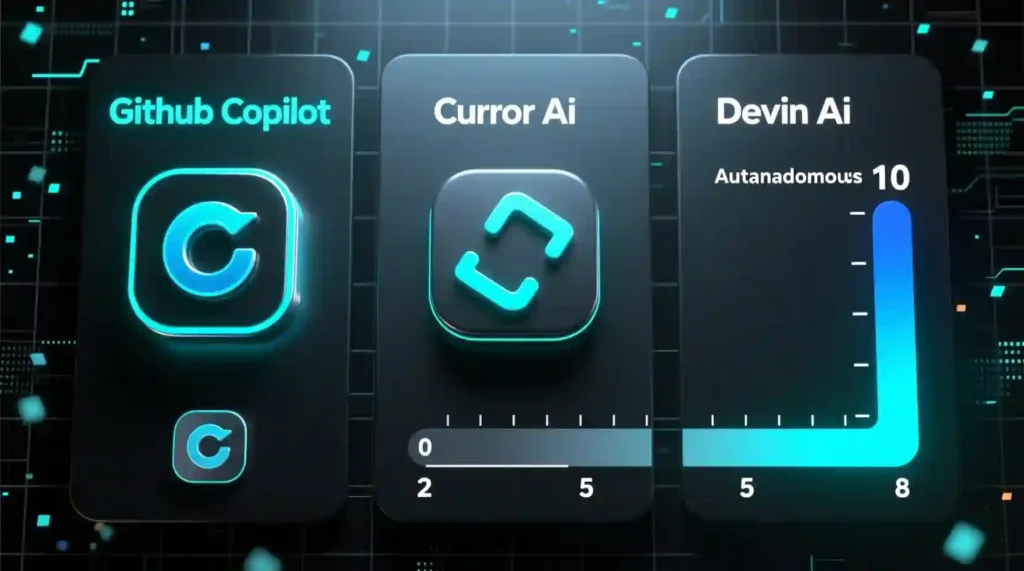
- Copilot (GitHub Copilot): Inline code suggestions. You’re still steering the project. Great for speeding up repetitive code, but it won’t deploy a backend on its own.
- Cursor AI: Medium autonomy. Works best in pair programming scenarios, giving real-time feedback and code suggestions.
- Devin AI: Full execution engine. Plans, codes, debugs, and can even deploy — without leaving its own cloud-based IDE.
Think of Devin as a junior developer who never sleeps, but who sometimes misreads the specs. You need to guide it, review its pull requests, and occasionally take over.
🏗️ Devin AI’s Core Features and Technical Mechanisms
Devin AI isn’t just a fancy autocomplete. It’s a self-contained AI coding agent with integrated tools and workflow logic designed to handle end-to-end tasks.
1. The Autonomous Workflow Stack
Devin’s environment is fully browser-based and resembles a mini-IDE like VSCode. Here’s what it brings to the table:
- Integrated IDE/Shell: Monitor the agent in real time. Pause it, tweak code, and resume seamlessly.
- Native Browser Integration: Devin can read documentation, research APIs, and debug live websites.
- Task Memory & Reasoning: Retains context across sessions. Breaks down complex tasks into multi-step logical plans.
2. Collaboration & Visibility
Devin isn’t a black box. Transparency is key:
- Intelligent Logs & Self-Correction: Every code edit comes with a step-by-step rationale. If a bug appears, Devin documents how it tried to fix it.
- Integration with Slack & Jira: Tag a task, assign it, and Devin can generate automated pull requests in GitHub or GitLab.
3. Performance & Speed Benchmarks
Devin is 2–3× faster than a solo developer on simple tasks, like creating an API integration or a data scraper. Complex multi-step tasks drop its success rate to about 15% — infinite loops in recursion, dependency conflicts, and ambiguous project requirements are its kryptonite.
4. Confidence Scoring: Knowing When to Take Over
Devin AI includes a confidence scoring system, which predicts how likely it is to succeed on a given task.
- Score > 80%: Let it run.
- Score 50–80%: Monitor or review.
- Score < 50%: Take over manually.
This metric is critical in team workflows, especially for sensitive code or security-related tasks.
🧭 Quick Feature Comparison: Devin vs Cursor AI vs Copilot
| Feature | Devin AI | GitHub Copilot | Cursor AI |
| Autonomy Level | High (executes full tasks) | Low (inline suggestions) | Medium (pair programming) |
| Best For | Delegating entire projects | Writing code faster | Real-time collaboration |
| Task Memory | ✅ Yes (cross-session) | ❌ No | ⚠️ Limited |
| Browser Integration | ✅ Built-in | ❌ None | ❌ None |
| Pricing (Solo) | $20/month | $10/month | $20/month |
| Human Oversight Needed | High (85% of complex tasks) | Medium | Low |
This table naturally fits right after the quick-glance table and before diving into real-world workflows.
✅ Who Should Use Devin AI in 2025
- Solo founders building MVPs quickly
- Backend-heavy automation tasks (APIs, web scraping, DevOps)
- Non-coders who want working drafts without learning a full IDE
- Developers or teams who value speed over perfection
❌ Who Should Skip Devin AI
- Pixel-perfect UI/UX design projects
- Security-critical or compliance-heavy modules
- Projects needing 100% accuracy without human review
- Highly creative or ambiguous coding tasks
🧪 Real-World Use Case Examples: How Devin AI Performs

Let’s see Devin AI in action — not just in theory, but in tasks you’d actually assign as a solo developer or small team. These examples highlight where Devin shines and where human intervention is unavoidable.
| Task | Manual Time | Devin Time | Result Quality |
| Build a Stripe dashboard MVP | 1 week | 2 days | 80% complete, UI polish needed |
| Write 50 backend unit tests | 8 hours | 2 hours | 90% accurate, minor tweaks needed |
| Set up CI/CD pipeline on AWS | 6 hours | 1.5 hours | Fully working |
| Migrate Angular 16 → 18 | 3 days | 1 day | 70% success, manual cleanup required |
| Design custom UI from Figma | 2 days | ❌ Not recommended | Devin cannot match visual expectations |
Keywords naturally included: “Devin AI success rate,” “Devin AI for non-coders,” “best AI tool for backend automation”
These examples show a pattern: backend automation, data pipelines, and DevOps scripts are Devin’s sweet spot, while visual or creative tasks still require human skills.
🧭 The Hand-Off Strategy: Knowing When to Step In
Even as an autonomous coding agent, Devin AI isn’t perfect. A clear hand-off strategy keeps projects on track:
| Situation | Action | Why |
| Task is well-defined (e.g., “Write unit tests for /auth module”) | ✅ Let Devin run | Clear scope = high success probability |
| Confidence score < 60% | ⚠️ Review & guide | Agent is unsure, needs human oversight |
| Same error repeats 3+ times | 🛑 Take over manually | Devin is stuck in a loop |
| Security or compliance code | 🛑 Handle yourself | Too risky for autonomous execution |
| UI needs visual polish | 🛑 Human finishing touch | Devin builds function, not design |
The confidence score system — explained in Part 1 — is key here. It signals when the agent is likely to succeed and when human attention is required, especially on compliance-heavy or sensitive projects.
🚀 Onboarding and Developer Experience
Getting started with Devin AI is straightforward, but understanding the workflow is crucial:
1. Access Status (October 2025)
- Solo developers: $20/month tier, immediate access.
- Teams: $500/month enterprise tier, waitlist + private beta.
2. First Week With Devin
- Connect your first repository.
- Provide required context and initial prompts. Devin learns from the repo’s structure.
- Use the “nudging” system: if Devin misunderstands a task, you guide it with plain English commands.
3. The “Follow Devin” Feature
- Real-time console view lets you watch code execute.
- Take over mid-task if Devin encounters a loop or dependency conflict.
- Every automated pull request includes a step-by-step rationale, making review painless.
💡 Pricing vs ROI: Solo Developers vs Teams
Devin AI is surprisingly cost-effective if you measure ROI in saved developer hours:
| Plan | Price | Break-Even Point | Best For |
| Solo | $20/month | Save 2+ hours/week | Indie developers, small startups, side projects |
| Team | $500/month | Save 15+ hours/week (team-wide) | Agencies, multi-repo workflows |
- Example: If a solo developer charges $50/hour and Devin saves 5 hours/month, that’s $250 value for $20 spent — ROI = 12.5×.
- For teams, automating bulk tests, CI/CD scripts, and API integrations can justify the higher enterprise cost.
🔧 Ideal Use Cases for Devin AI
Devin AI is strongest when used strategically. Here’s where it truly adds value:
- Rapid Prototyping
- Build small SaaS MVPs in days, not weeks.
- Saves hours writing boilerplate code.
- Backend & Data Automation
- API integrations, web scraping, database pipelines.
- Repetitive cloud automation tasks are perfect for Devin.
- DevOps & QA Backlog
- Generate CI/CD scripts, update logs, framework migrations.
- Improves test coverage without manual effort.
- Empowering Non-Coders
- Product managers or founders can describe features in plain English.
- Devin produces working drafts ready for human review.
⚖️ Devin AI vs The Competition
If you’re deciding between Devin AI, GitHub Copilot, or Cursor AI, here’s the strategic take:
- Copilot: Best for inline coding speed. Helps you write code faster, but doesn’t plan or deploy tasks.
- Cursor AI: Ideal for pair programming and real-time collaboration. Medium autonomy.
- Devin AI: Best for delegated project completion. Excellent for backend, DevOps, and repetitive workflows. Weak on UI/UX and ambiguous tasks.
FAQ Devin AI Autonomous Coding Agent
Q1: Is Devin AI good for beginners?
A: Yes, for backend tasks, simple automation, and MVP prototyping. Non-coders can also generate working drafts with plain English.
Q2: How does Devin AI compare to Copilot?
A: Devin is more autonomous and can execute tasks from start to finish, but Copilot is faster for inline coding and doesn’t require constant review.
Q3: Can Devin replace a developer?
A: Not yet. It’s more like a junior developer who handles repetitive tasks while humans manage complex or sensitive code.
🏁 The Final Verdict
Devin AI autonomous coding agent is not a miracle worker, but it’s a powerful junior dev for solo developers, small startups, and teams willing to supervise. Here’s the takeaway:
- ✅ Best For: Backend automation, MVPs, CI/CD scripts, web scraping, API integration, repetitive tasks.
- ❌ Avoid For: Pixel-perfect UI, high-stakes security code, complex architecture, ambiguous research tasks.
- 💰 Pricing ROI: $20/month solo plan can save 2+ hours/week, providing 10–12× ROI.
Bottom line: Devin AI saves time, reduces repetitive work, and empowers non-coders, but human oversight remains essential — especially on the 85% of complex tasks it struggles with.
🔗 Call to Action
Want to see Devin AI in action? Sign up and test it with your first backend automation task. Treat it like a junior developer, not a miracle worker.
Pingback: Best AI Press Release Generators 2025: 10 Tools Compared - zadaaitools.com