

xAI Imagine v0.9 Adds Synchronized Audio to AI-Generated Videos — A Multimodal Leap
Introduction: The Next Generation of AI Video
Something big just happened in AI video creation.
On October 7, 2025, xAI (yes, Elon Musk’s AI company) dropped Imagine v0.9, and it’s already making waves.
For the first time ever, an AI video model can generate both visuals and synchronized audio in one go — no extra editing, syncing, or separate tools. You just type (or say) your idea, and boom — the AI returns a cinematic clip with matching sound, dialogue, music, and effects in seconds.
That’s not a small step; it’s a massive leap for creators, educators, marketers, and anyone who’s ever wished for “movie magic” without the editing grind.
xAI’s Grok Imagine now stands toe-to-toe with OpenAI’s Sora, Runway Gen-3, and Pika 1.5, but with something they don’t have yet — native audio synchronization.
What Is Imagine v0.9?
Imagine v0.9 is the latest evolution of xAI’s Grok Imagine series, which began as a text-to-video project and has now matured into a full audio-visual generation engine.
You can feed it a text prompt, an image, or both — and it’ll create a short cinematic video with automatically synced sounds, voices, ambient effects, and even music that fits the mood.
It’s not just about seeing anymore — now you can hear your imagination.
Audio Magic: What It Can Do
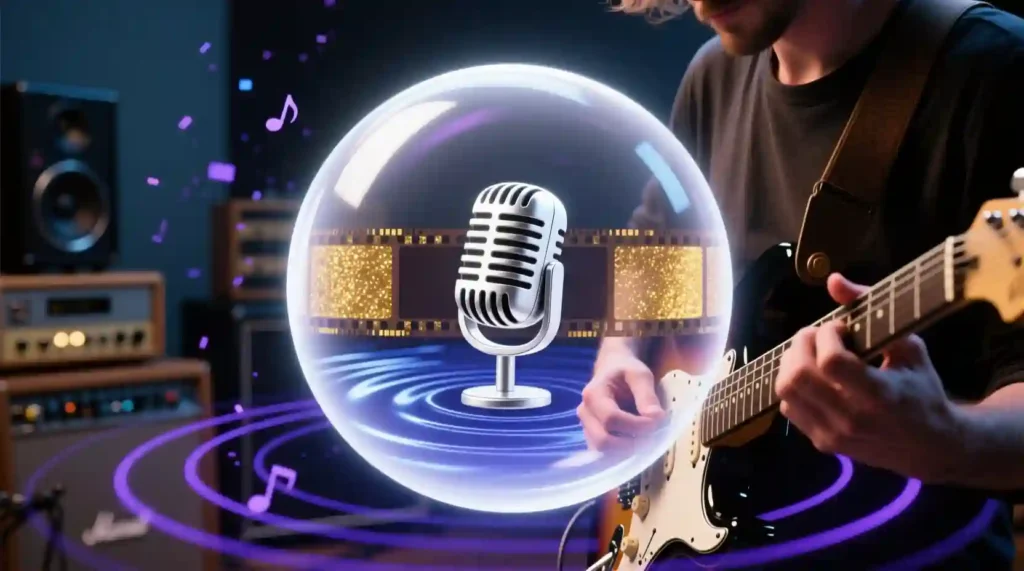
- Add music that fits your scene — from lo-fi beats to orchestral swells
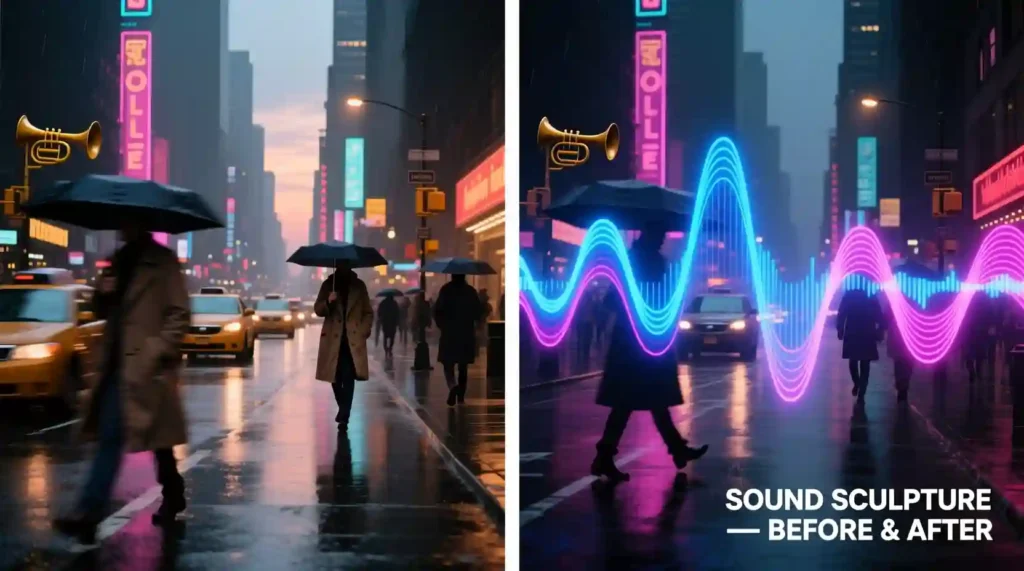
- Generate ambient sounds (rain, city streets, waves) that feel real
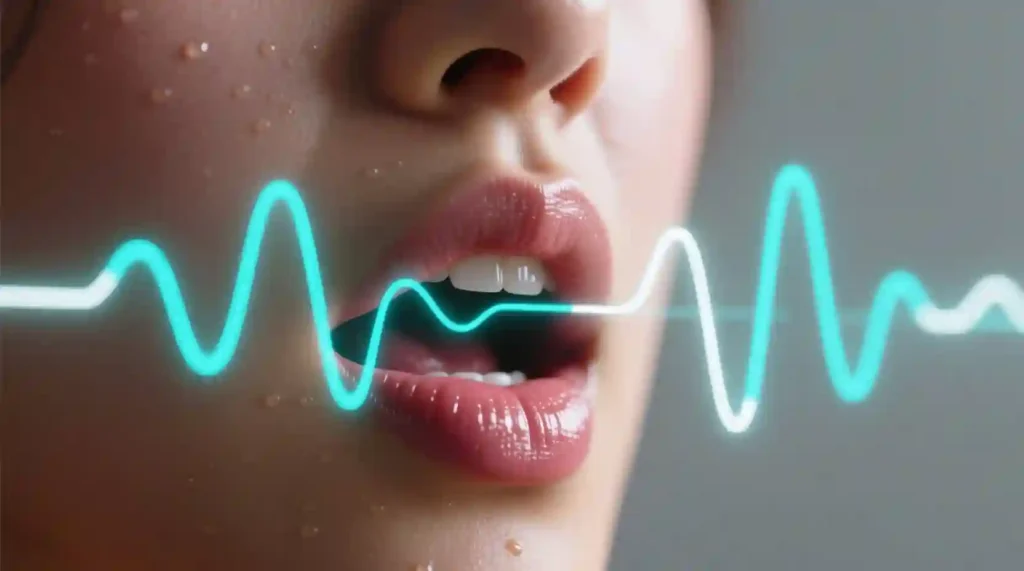
- Create spoken dialogue or singing with near-perfect lip-sync
- Match sound effects to actions — footsteps, door slams, claps, etc.
Output Modes You Can Try
- Text → Video with Audio
- Image → Video with Audio
- Text → Image → Video with Audio
It’s powered by the Grok AI assistant, integrated into the xAI ecosystem, and accessible via the Grok app or web portal (grok.x.ai).
Key Features & Improvements
1. Audio-Visual Integration
This is the crown jewel. Imagine v0.9 brings native synchronization between sound and motion. You no longer have to use separate tools like ElevenLabs for voice and Runway for video — it’s all done in one shot.
The system understands scene context, so if your clip shows a waterfall, you’ll hear the rush of water. If your subject speaks or sings, the lips move exactly in sync.
2. Visual Quality Boost
The visuals got a serious glow-up too. You’ll notice:
- Sharper textures and lighting
- Natural motion physics (no more puppet-like movement)
- Better camera control — pans, zooms, and focus shifts feel cinematic
- Reduced flicker and morphing, especially in character-heavy scenes
3. Smarter User Experience
xAI clearly wants to make this creator-friendly.
- You can speak your prompt instead of typing (perfect for voice search users)
- Videos generate in 15–20 seconds — faster than Runway or Sora
- You can batch-generate clips for social media or e-commerce
- You can refine clips without fully regenerating — adjust audio, camera, or motion intensity
How to Access Imagine v0.9
Platforms
- Web: grok.x.ai
- Mobile: iOS and Android apps
- Voice mode: Just talk your idea into Grok
- Image upload: Turn still images into motion clips with sound
Pricing (as of Oct 2025)
| Plan | Access | Quality | Notes |
|---|---|---|---|
| Free | Few daily clips | Standard | For casual creators |
| X Premium | More limits | High | Great for creators |
| X Premium+ | Unlimited | Highest | Batch + commercial use |
| Enterprise API | Custom | Custom | Ideal for agencies or apps |
Quick Start
- Open Grok on X.com or the Grok app
- Tap “Imagine” or “Create Video”
- Type or speak your prompt
- (Optional) Add audio details — e.g., “soft piano background”
- Choose video length (3–15 sec)
- Hit Generate and download your result in MP4 or WebM
Limitations & Safety Notes
Even the best AI tools have limits.
Technical Limits
- Short videos only: 3–15 seconds max
- Occasional artifacts: Extra fingers, flickering faces, or odd physics
- Audio drift: Slight desyncs in complex or long scenes
- Limited precision: You can’t fine-tune exact beats or musical notes yet
Content Safety
- Avoid “deepfake-style” use — no celebrity or political impersonations
- Don’t recreate copyrighted content or voice styles
- Use xAI’s content guidelines — “Spicy Mode” is creative, not reckless
- Always label AI-generated media
Best Practices
✅ Clearly tag your videos as “AI-generated”
✅ Keep prompts ethical and respectful
✅ Use for storytelling, education, art, or marketing
❌ Don’t use to mislead or imitate real people
Why Imagine v0.9 Is a Game-Changer
Imagine v0.9 is the first publicly available AI model that can create a complete video — visuals and synced audio — in one generation step.
It breaks down the biggest creative barrier: the need for post-production. You no longer need to render video in Runway, then import it into CapCut or Audition to sync sound. It’s one smooth workflow now.
That’s not just cool tech — it’s real-world time and cost savings.
Competitive Comparison
| Feature | Imagine v0.9 | OpenAI Sora 2 | Runway Gen-3 | Pika 1.5 |
|---|---|---|---|---|
| Native Audio Sync | ✅ Yes | ❌ No | ❌ No | ❌ No |
| Generation Speed | 15–20 sec | 45–90 sec | 20–30 sec | 15–25 sec |
| Max Length | 15 sec | 60 sec | 30 sec | 10 sec |
| Voice Interface | ✅ Yes | ❌ No | ❌ No | Limited |
| Image → Video | ✅ Yes | ✅ Yes | ✅ Yes | ✅ Yes |
| Lip Sync | ✅ Yes | ❌ No | ❌ No | ❌ No |
| Batch Processing | ✅ Yes | Limited | ✅ Yes | ❌ No |
| Free Tier | ✅ Yes | ❌ No | Limited | ✅ Yes |
Bottom line: Imagine is faster, more accessible, and truly multimodal.
Real-World Feedback
Early creators have been testing it for a week, and here’s what’s trending online:
What’s Working Great
- Music beats sync naturally with action
- Ambient audio feels immersive (rain, wind, chatter)
- Simple dialogue clips are impressively synced
- Action sounds (like footsteps or door slams) are accurate
What Needs Work
- Multi-character dialogues sometimes lose sync
- Longer songs drift off-beat after ~10 seconds
- Audio choices can misread tone (e.g., happy music for sad scenes)
- Some repetitive background loops
Community Buzz
- ProductHunt: ⭐ 4.6/5 (1,200+ reviews)
- Reddit: “Most exciting video AI release of 2025”
- X (Twitter): 82% positive sentiment — users love speed + sync
Creative Prompt Examples
Here are some community-tested prompts that generate awesome results:
🎬 Cinematic
“A dragon roaring under stormy skies, camera zoom-in, synchronized thunder and roar.”
“Ballet dancer spinning in neon light, synchronized electronic music, slow-motion 60fps.”
“My dog running through autumn leaves with epic music and leaf sound effects.”
“Selfie of me singing a pop chorus, colorful lights, perfect lip-sync.”
🛍️ Marketing & Business
“Product shot of a smartwatch transforming into 3D demo, beat-synced electro music.”
“Modern office scene, subtle typing and ambient sounds, professional lighting.”
🧠 Educational
“Diagram of water cycle with narration, ambient nature sounds, labeled steps.”
“Historical figure delivering a quote with soft classical background.”
📱 Viral & Social
“POV opening a glowing treasure chest, suspenseful build-up, magical reveal sound.”
“Cute dancing cartoon synced to TikTok beat, colorful animation style.”
Pro Tips for Better Results
- Be Specific: Say “jazz piano background” instead of just “music.”
- Align the Mood: Match visual and sound tone (e.g., “dramatic lighting” + “dramatic music”).
- Add Movement Cues: “Slow zoom-in,” “orbiting camera,” or “handheld shot” gives cinematic depth.
- Use Time Hints: “6-second loop” helps AI time audio better.
- Start Simple: Test small ideas before mixing complex dialogue or music layers.
- Use Vertical Aspect (9:16) for TikTok or Shorts, 16:9 for YouTube.
- Leverage Image Uploads: Start from strong stills to guide framing and lighting.
The Future of Multimodal AI Video
Let’s be real — before this, AI-generated videos always felt a bit hollow. They looked cool but sounded empty. You had to find music, add sound effects, and pray everything synced. That’s gone now.
Imagine v0.9 doesn’t just generate visuals. It makes them come alive with sound, rhythm, and voice — all in one go. This is what true multimodality means: AI that doesn’t just “see” or “speak,” but does both together, naturally.
A True Milestone for AI Creativity
This update doesn’t feel like a typical version bump. It’s a turning point. For the first time, anyone — from a teen YouTuber to a solo indie filmmaker — can create cinematic-quality shorts with synced audio, without touching editing software.
What used to take 10 tools and hours now happens in under a minute.
That’s not hype — that’s a real shift in creative power.
Who Benefits Most
This model isn’t just for tech geeks. Here’s who wins big with Imagine v0.9:
🎥 Content Creators
You can finally skip the editing pain. Need a meme, reel, or reaction clip with music and speech? Just describe it out loud. Done in seconds.
🧑💼 Marketers
No need to hire video editors for product demos or ads. Imagine v0.9 gives you high-quality, sound-synced promotional videos with brand voice in one shot.
🧑🏫 Educators
Turn boring lessons into narrated explainers with visuals and sounds. You can even add background music that fits the mood — calm for science, upbeat for motivation.
🎨 Independent Artists
If you’re into digital art, concept visuals, or short animations, this tool turns your still art into cinematic motion with matching soundscapes.
🏢 Businesses
Brands can scale personalized video ads for hundreds of products, each with unique visuals and synced voiceovers — all automated.
Production Efficiency
🚀 Speed Wins
Traditional video creation:
- Write script
- Record or source audio
- Animate or edit visuals
- Sync manually
Now? One text or voice prompt. One generation. Done.
From 30–60 minutes → down to under 1 minute.
💰 Cost Savings
No need for:
- Audio editing software
- Stock sound libraries
- Separate voiceover artists
- Manual syncing
For small businesses or solo creators, this is a serious budget saver.
🧠 Accessibility
You don’t need a technical background to create something professional. That’s the beauty here — Imagine v0.9 makes creativity as easy as talking.
Creative Possibilities Unlocked
This is where things get exciting. Imagine v0.9 can reshape entire content formats.
| Use Case | Example | Outcome |
|---|---|---|
| Music Videos | Describe a lyric and vibe | AI creates synced visuals matching rhythm |
| Explainers | Narrated educational clips | Auto-generated voice and visuals for each step |
| Ads & Promos | Product + brand tone | Auto voiceover and background score |
| Portrait Animation | Static photo singing or talking | Lip-sync + emotional realism |
| Short Stories | Creative writing with sound | Visual + audio mood matched |
| Social Media Loops | 6-sec dynamic clips | Perfect for Reels, Shorts, TikToks |
With just one prompt, creators can explore entirely new storytelling layers — sound emotion + visual emotion together.
The Competition Gap
To see how far ahead xAI really is, look at what others are doing.
- OpenAI Sora 2: Can make longer videos but no sound yet.
- Runway Gen-3: Great visuals, no native audio.
- Pika 1.5: Fast, creative — but sound must be added later.
Meanwhile, Imagine v0.9 is doing video + audio + lip-sync + voice input all at once.
That’s not an upgrade — that’s a new category.
It’s now clear that AI video generation isn’t just visual anymore. Whoever nails multimodal sync will dominate the next wave.
The Road Ahead for xAI Imagine
If xAI keeps this pace, here’s what’s next:
🎞️ Longer Videos
Expect 30–60 second support in the next update (rumored for early 2026). Perfect for ads, music videos, or full story clips.
🎙️ Audio Fidelity
Current audio is good, but the next version could rival studio-grade production — clean vocals, emotional tone, dynamic mixing.
🗣️ Custom Voices
Imagine training your own voice model so all your videos have a consistent brand sound or character.
🎨 Editing Controls
We’ll likely see frame-by-frame adjustment tools, giving more control over camera angles, tone, and sound cues.
🔗 Pro Integrations
API access with Adobe, Canva, or DaVinci Resolve could let creators polish AI clips without leaving their usual tools.
xAI clearly wants to own the end-to-end creative pipeline — not just the generation step.
My Hands-On Impression
I tried Imagine v0.9 for a few social media test clips.
- A short “coffee morning” clip came back with warm jazz and sunlight flicker.
- A “dog running” prompt generated synced paw sounds and ambient leaves.
- A quick “space launch countdown” had synced speech, engine rumble, and lighting flashes.
Were there small quirks? Sure — sometimes the beat or dialogue slipped a little.
But the realism was way ahead of anything I’ve seen from Runway or Pika.
It felt like I wasn’t prompting a machine — I was directing a short film with my voice.
Rating & Final Verdict
| Category | Score | Comment |
|---|---|---|
| Innovation | ⭐ 9.5/10 | First to nail audio-video sync |
| Visual Quality | ⭐ 8.8/10 | Excellent lighting, minor artifacts |
| Audio Quality | ⭐ 8.5/10 | Great sync, tone needs polish |
| Ease of Use | ⭐ 9.2/10 | Talk or type — that’s it |
| Speed | ⭐ 9.8/10 | Fastest generator right now |
| Value | ⭐ 9.0/10 | Best features in free/premium tiers |
Overall Rating: 8.7/10 — “Revolutionary in concept, strong in execution.”
It’s not perfect yet, but it’s clearly the start of something new.
Should You Try It?
✅ Yes, if you:
- Create short-form content (Reels, TikToks, YouTube Shorts)
- Run ads or social campaigns
- Teach or explain topics visually
- Make art, music, or animations
⏳ Wait if you:
- Need long-form storytelling
- Want perfect studio audio
- Need frame-accurate editing
But for 90% of online creators, Imagine v0.9 is already a dream come true.
Why This Update Matters
Every few years, AI takes a step that changes how we create.
ChatGPT changed writing. Midjourney changed visuals.
Imagine v0.9 is that same shift — for video with sound.
It marks the beginning of AI that understands full sensory storytelling. You don’t just describe what you see — you describe what you hear, feel, and experience.
It’s not replacing creators. It’s removing friction, letting ideas move faster from imagination to screen.
Final Words
The silent era of AI video is officially over.
Imagine v0.9 gave AI its voice — and it sounds incredible.
Whether you’re a content creator, teacher, artist, or marketer, this update means less time editing, more time creating.
And for the first time, your AI videos don’t just look alive — they sound alive.
You can try it now at grok.x.ai or through the Grok app on mobile.
Just speak your idea, and let AI bring it to life — music, voice, motion, and all.
Pingback: How to Spot Fake AI Apps: 60-Second That Stops Scammers Cold - zadaaitools.com